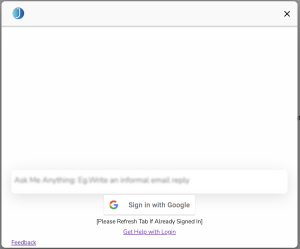
Attempt to Sign In Using the ‘Sign in With Google’ Button. It should open a new tab to allow you to sign in.
If you’ve already signed in, refresh the tab and see if that works
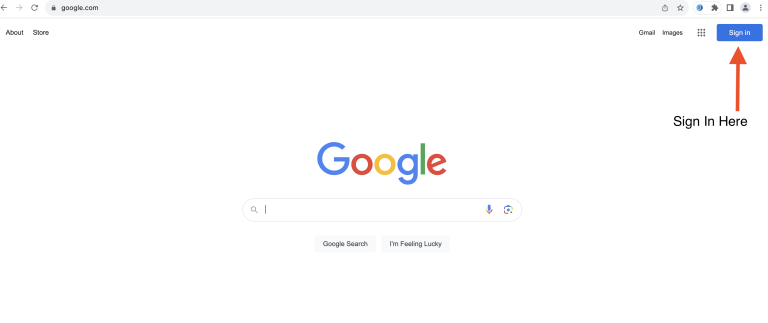
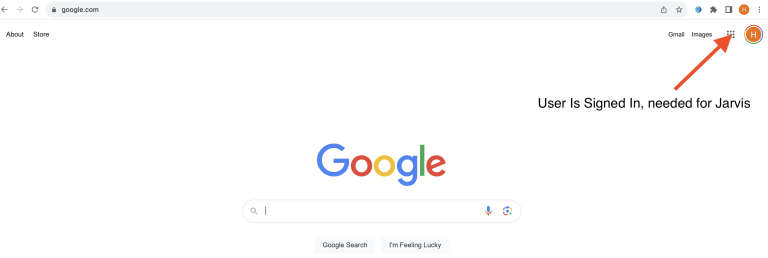
If not, open google.com in a new tab and sign in on the top right hand corner (Image Below) and then launch Jarvis again.
4. Essentially, you should be logged in to your google account on the tabs where you’re using Jarvis.
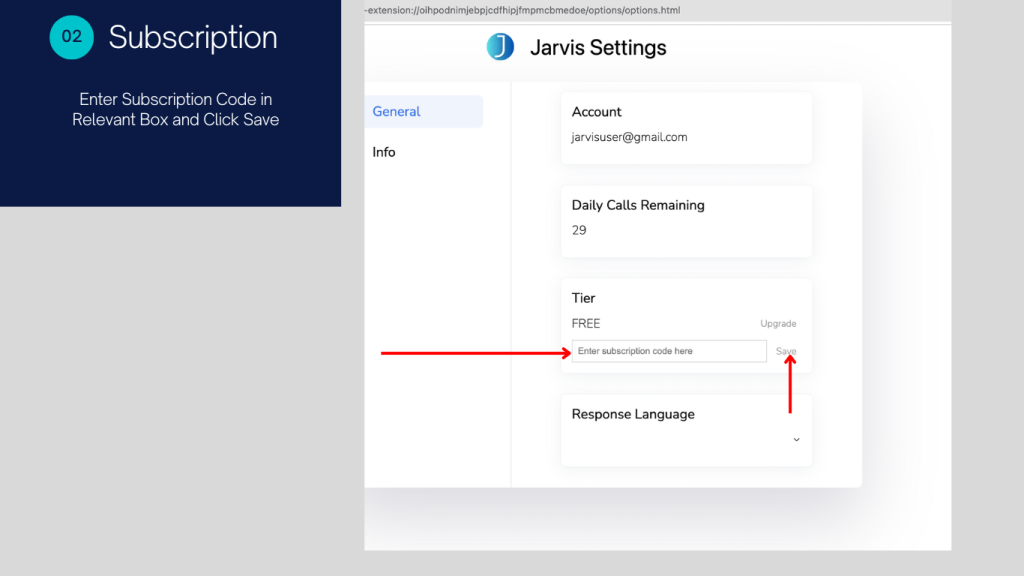
how do i upgrade my subscription
Note – You should have recieved your subscription code over email once you upgraded your subscription. Please contact support@smartupai.com in case you need help with it.